Are BusinessPress online tools free?
Yes. All six BusinessPress tools are free to open and use without creating an account.
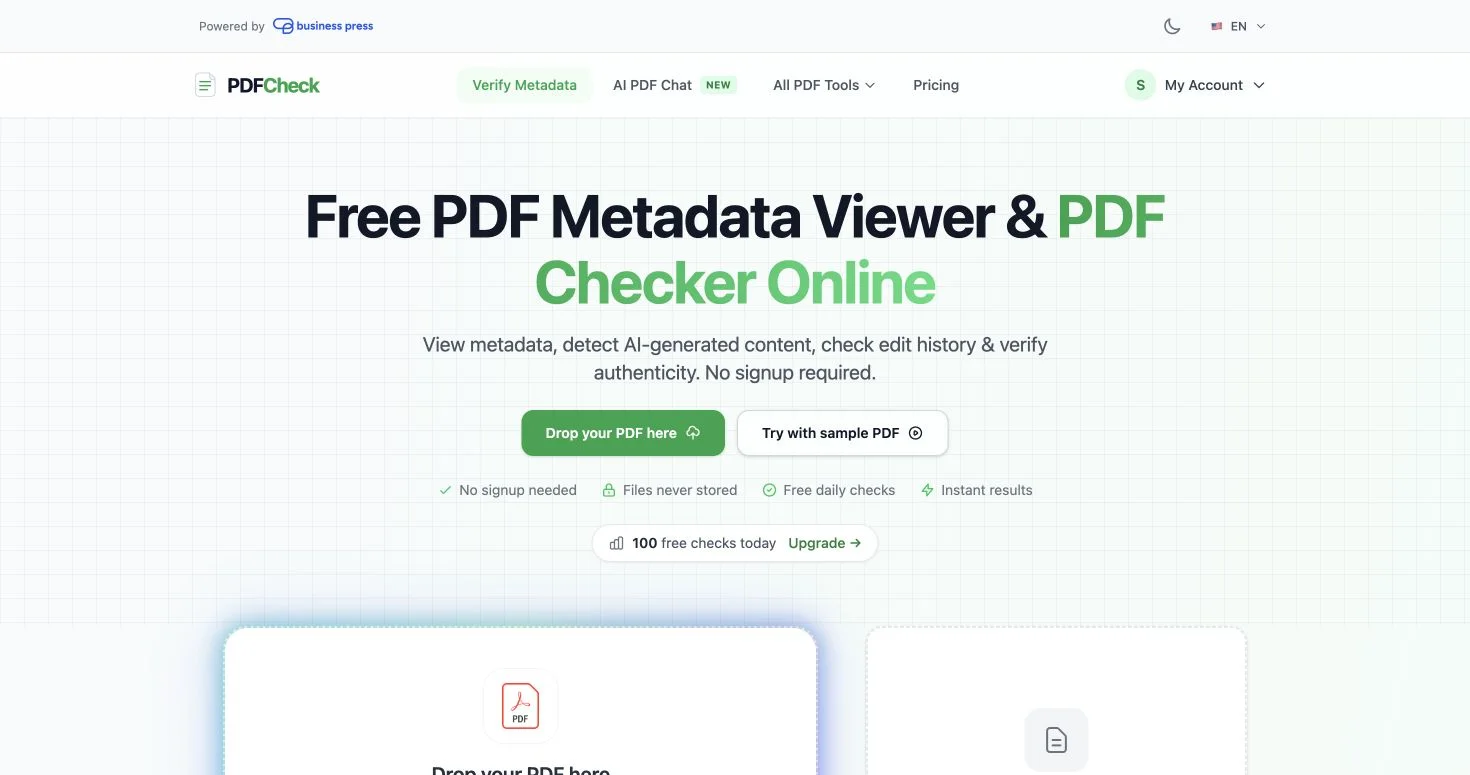
Which tool can check PDF metadata and edit history?
BusinessPress PDF tools can review document metadata and edit history, validate signatures, and provide practical page utilities.
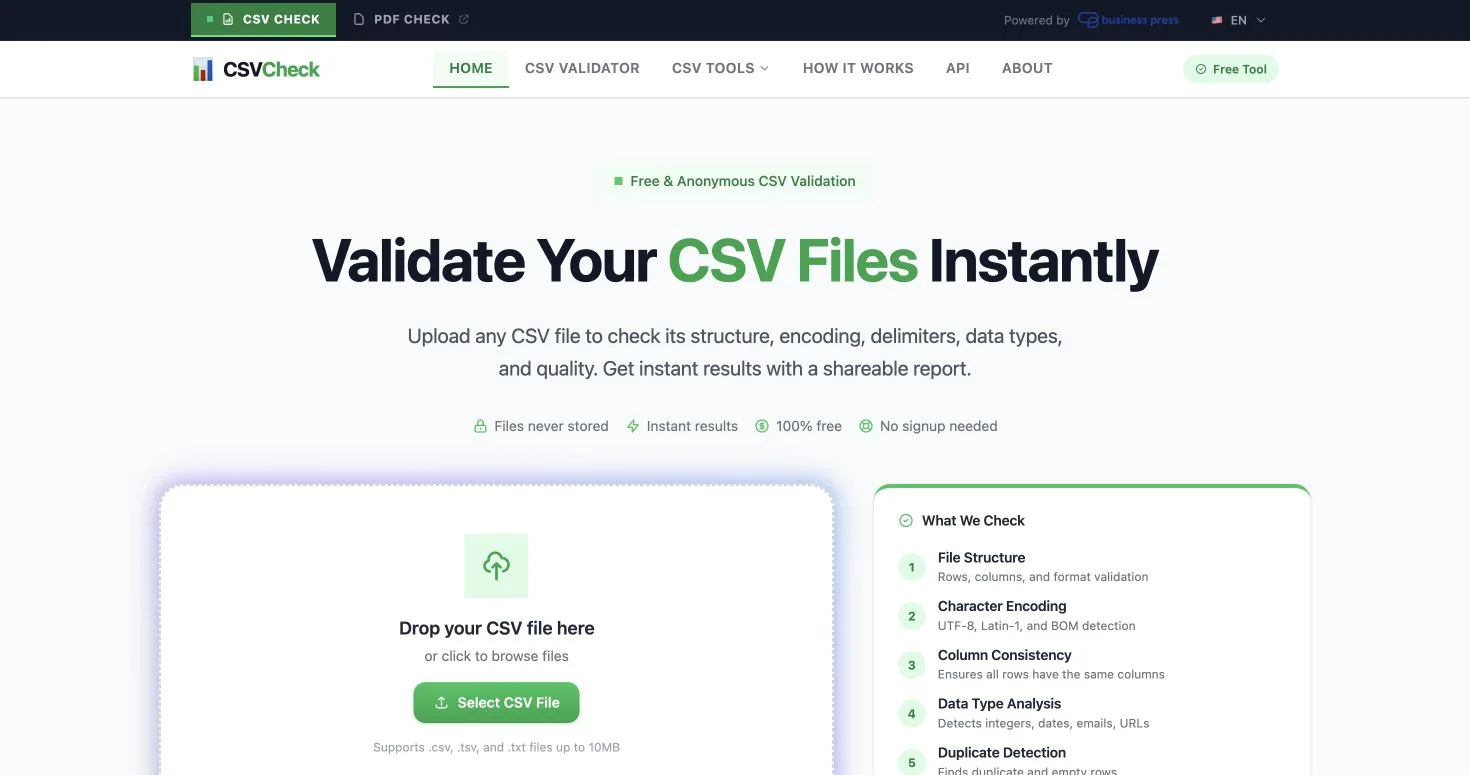
What problems can the online CSV validator find?
The CSV validator checks structure, encoding, delimiter use, column types, duplicates, and other common data problems.
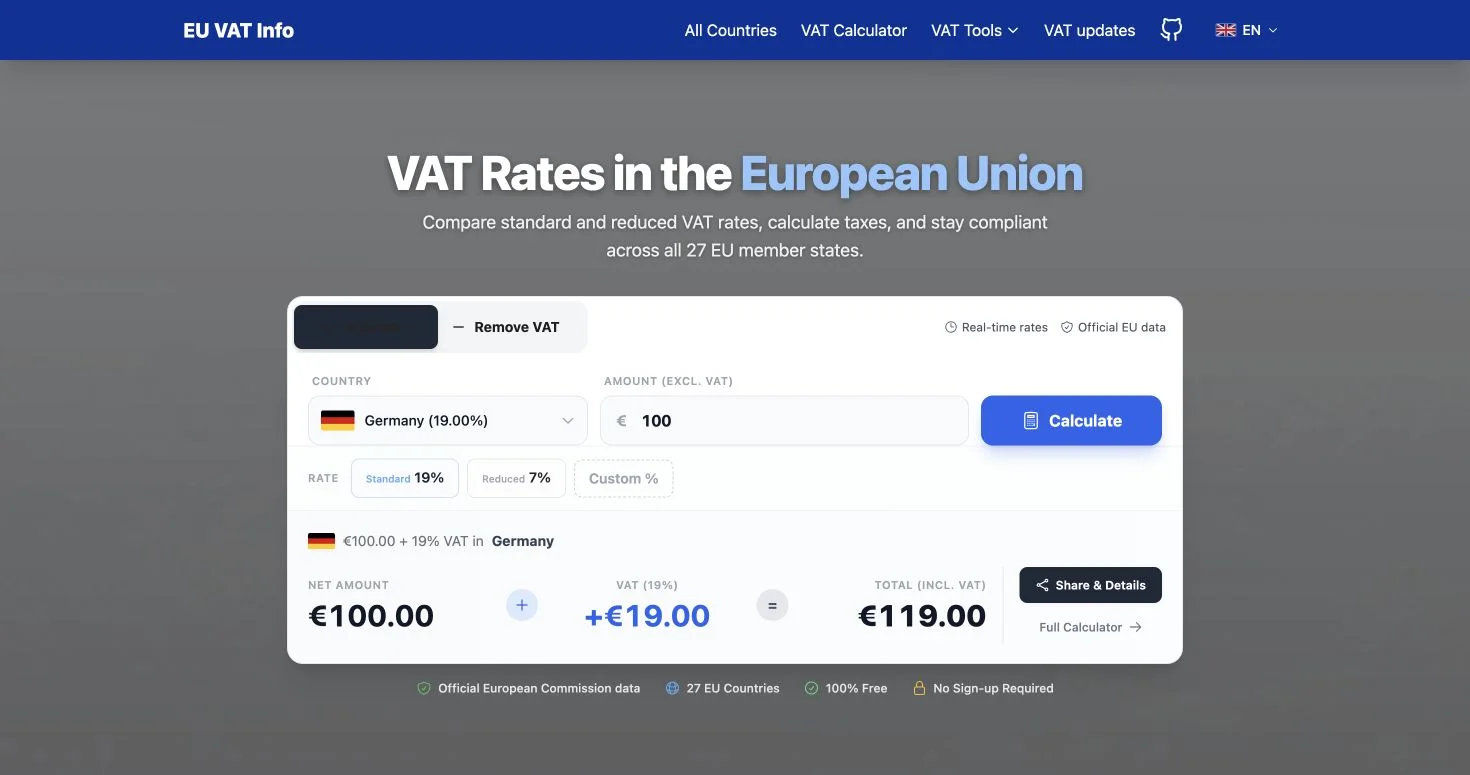
Can I add or remove VAT with the EU VAT calculator?
Yes. Choose an EU country and use its VAT rate to add VAT to a net amount or remove VAT from a gross amount.
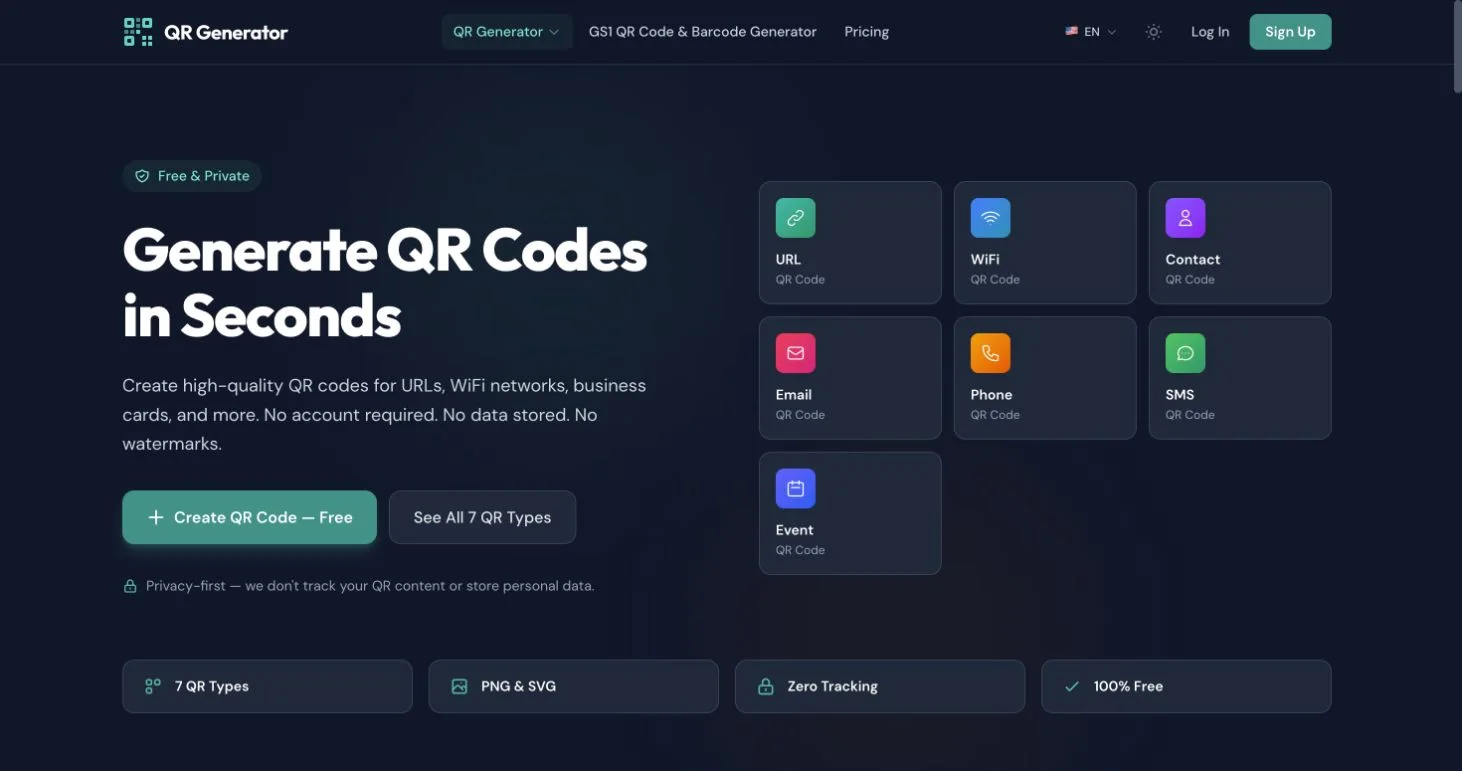
What types of QR codes can I create?
Create QR codes for links, Wi-Fi access, contacts, email, phone numbers, messages, and events, then download PNG or SVG.
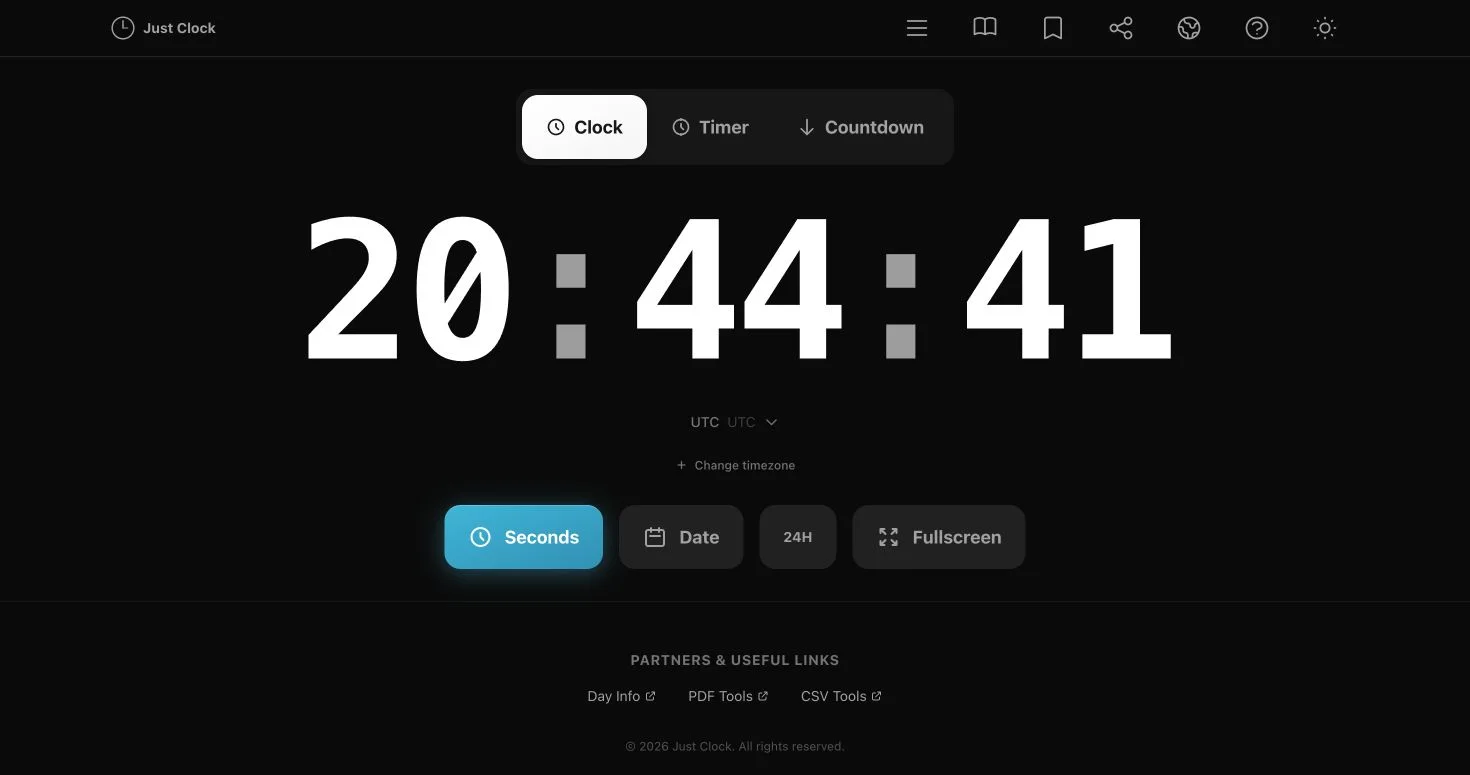
Does the clock include a timer and countdown?
Yes. Just Clock includes a clean online clock, timer, and countdown with timezone and fullscreen controls.
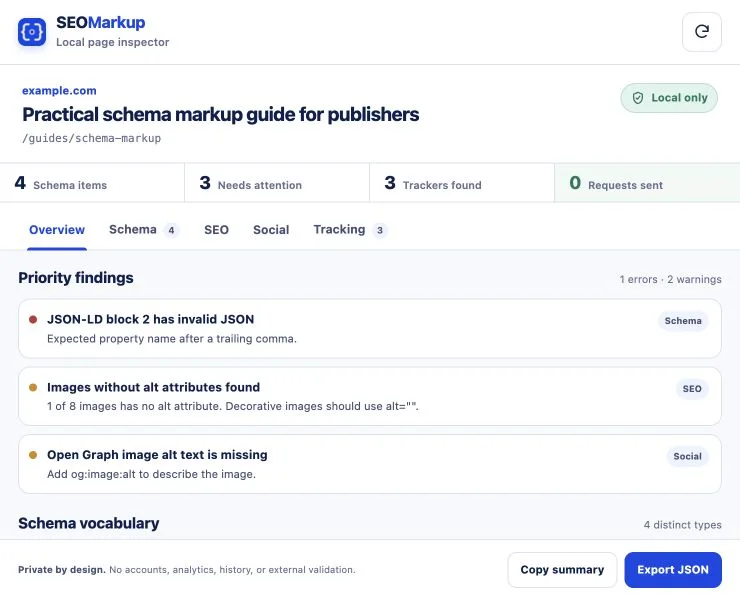
Which tool checks schema, social previews, and tracking tags?
SEOMarkup checks Schema.org data, SEO and social metadata, approximate share previews, and common tracking tags from a public URL or a local Chrome extension.
Are uploaded PDF and CSV files stored?
The BusinessPress PDF and CSV tools state that submitted files are not stored. Check the privacy information inside each tool for current processing details.